Coming Soon
We are building an intelligent, seamless solution to manage meeting spaces and room scheduling. Stay tuned for effortless coordination and workplace efficiency.
A Modern Way to Manage
Your Meetings and
Meeting Rooms
Managing meeting rooms can be a challenge in any busy office environment. From scheduling conflicts to underutilized spaces, traditional methods of managing meeting rooms often lead to inefficiency. That’s where Visitorz.io Meeting Rooms come in. Our intuitive platform is designed to simplify the booking and management of meeting spaces, ensuring seamless coordination, optimal room usage, and a smooth meeting experience for your team

Trusted by 230+ Compliance-Driven Organizations Across India


























Why Choose Visitorz.io Meeting Rooms?

Maximized Efficiency
Optimize meeting room usage, reduce double bookings, and avoid scheduling conflicts.

Real-Time Information
Get instant updates on room availability and meeting schedules with real-time data.

Enhanced User Experience
Enjoy a seamless, intuitive user experience that simplifies booking and managing meeting rooms for everyone in your organization.

Centralized Management
Manage all your office meeting spaces from one centralized platform, whether you're an admin overseeing multiple rooms or an employee booking for your team.

Customizable Features
Configure room types, add facilities, and customize the platform to suit your specific meeting needs.

No More Downtime
Track which rooms are under maintenance, ensuring uninterrupted meetings and avoiding any last-minute surprises.
Features Tailored for Events
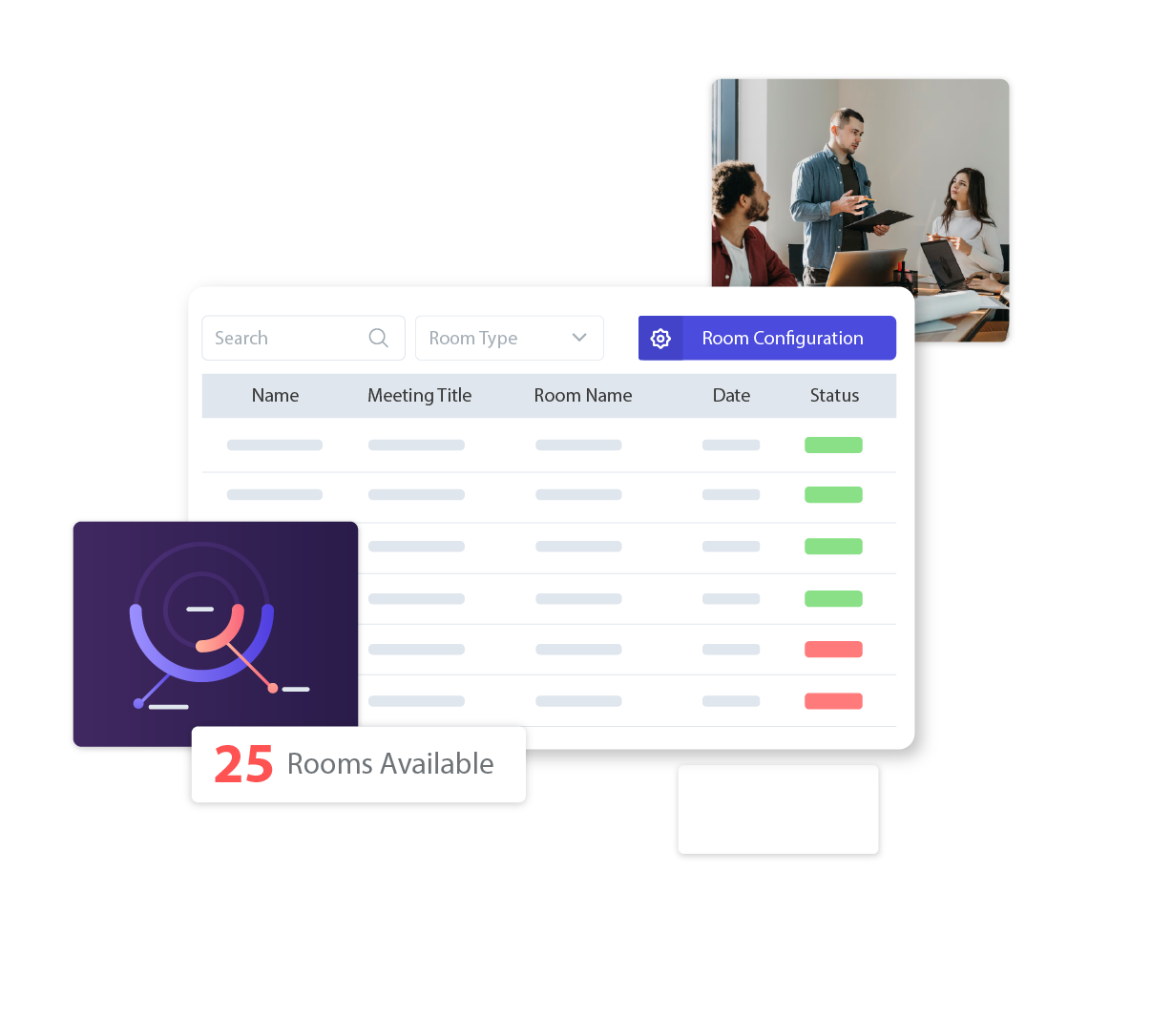
Meeting Dashboard
Get a bird's-eye view of all meeting room activities in your office. The Meeting Dashboard is designed to provide real-time data that helps you stay informed and on top of things. Here's what you'll find.
- Know exactly how many rooms are available for use.
- Easily track meeting rooms undergoing maintenance to avoid booking conflicts.
- Record all meetings that took place within the month.
- Instantly see the number of ongoing meetings, so you're always up-to-date.
- Track the time spent in meetings across your organization.
- Stay organized with a list of meetings scheduled to take place in the future.
This comprehensive dashboard helps office admins, managers, and employees stay informed about room availability and utilization, ultimately improving workflow efficiency.
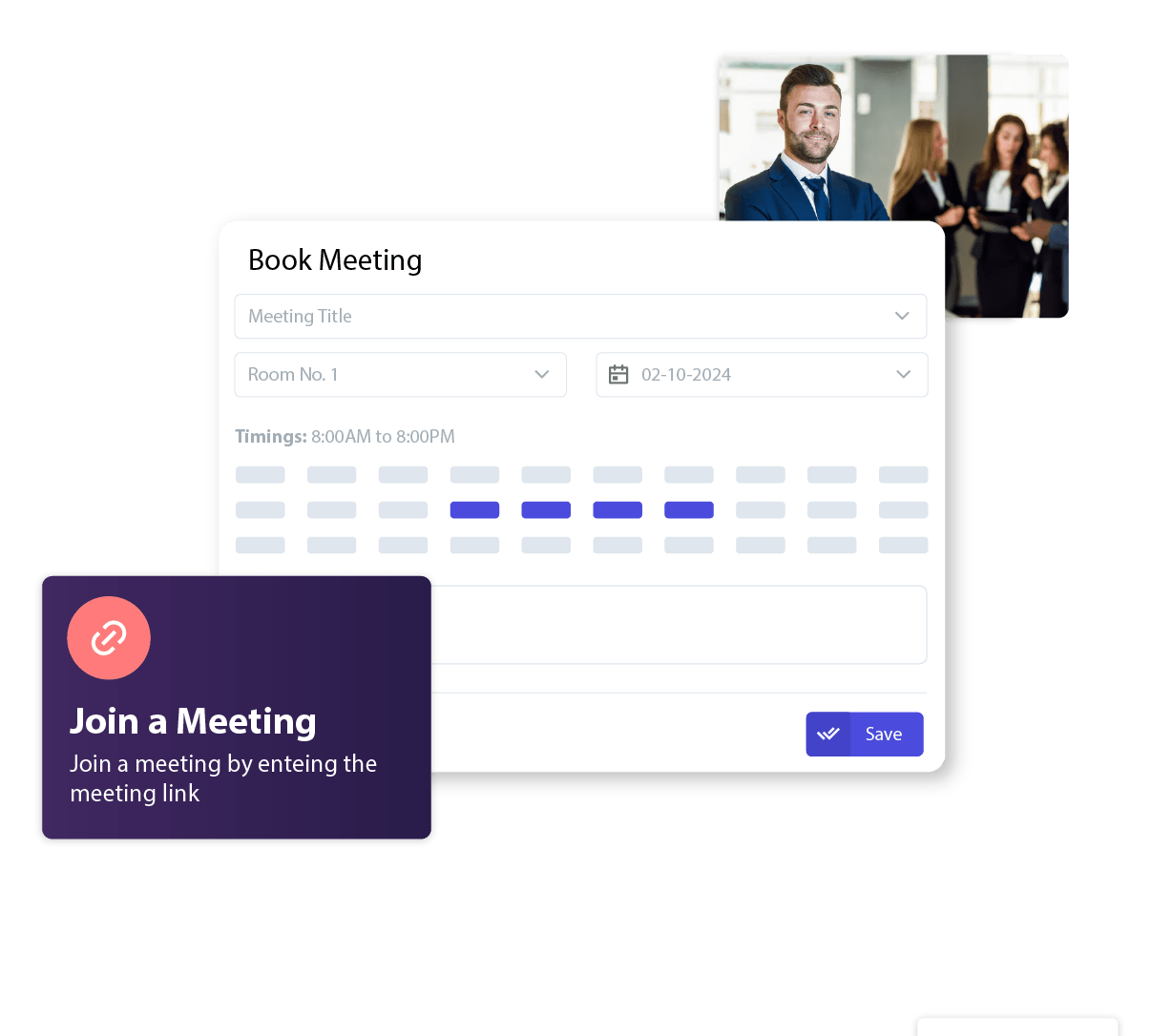
Meeting Desk
Manage all your meeting spaces with ease using the Meeting Desk—a centralized table for all meeting-related data. It allows you to view, book, and manage meeting rooms in one place.
- Tailor meeting rooms based on your business needs, whether it's for small huddles or large team discussions.
- View all available meeting rooms, complete with important details such as location and availability.
- Booking a meeting room is just a click away! Select the room, time, and participants, and you're all set.
- Expand your office space with ease by adding new rooms to the platform.
- Check room amenities such as projectors, whiteboards, video conferencing tools, and more before making a booking.
- Ensure the selected room fits your meeting's requirements, from its size to the number of attendees it can accommodate.
This feature empowers your team to optimize room usage while ensuring meetings run smoothly without the hassle of manual scheduling.
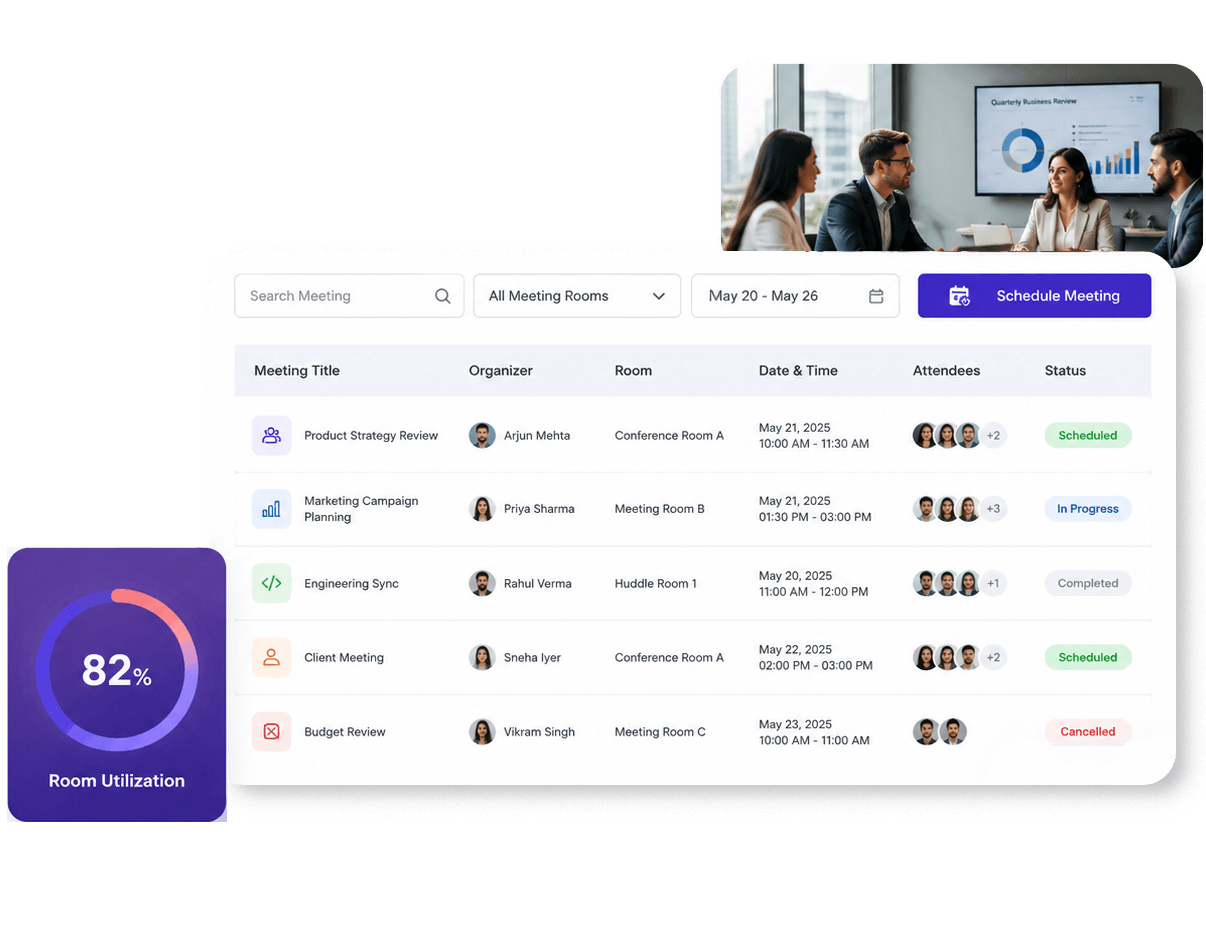
My Meetings
My Meetings is a personalized dashboard that allows users to manage their own meetings effortlessly. Whether you're an employee booking a room or an admin overseeing office meetings, My Meetings is packed with features to simplify the process.
- Quickly and easily schedule your next meeting with a few clicks. Select the room, choose the time, and invite attendees—all in one streamlined process.
- View all your scheduled meetings in an organized table that includes key details such as room number, time, and meeting status.
- Plans changed? No problem. Edit existing meetings, adjust times, or update the list of participants with ease.
- Cancel any unnecessary or redundant meetings quickly to free up room space for others.
- Got a last-minute change? Effortlessly reschedule meetings to a new time and date without creating confusion or overlap.
- Stay organized with a list of meetings scheduled to take place in the future.
This comprehensive dashboard helps office admins, managers, and employees stay informed about room availability and utilization, ultimately improving workflow efficiency.
Go Beyond Basic Visitor Management
Visitorz.io's event-specific solutions go beyond basic visitor management. They empower you to create a lasting first impression, enhance security, and ensure a seamless visitor experience at your exhibitions, summits, conclaves, or fairs. Elevate your event management with Visitorz.io and ensure that your event is a standout success in every aspect. Welcome to Visitorz.io - where efficiency and excellence meet.